
Online & Mobile Banking
EnrollBank Conveniently Wherever You Are
We make online banking simple, secure, and convenient. With customizable tools such as account alerts, budgeting features, and mobile check deposit, you can manage your finances anytime, anywhere. Biometric login and advanced encryption ensure your information stays safe while you enjoy a personalized banking experience designed around your needs.
Online Banking Tools
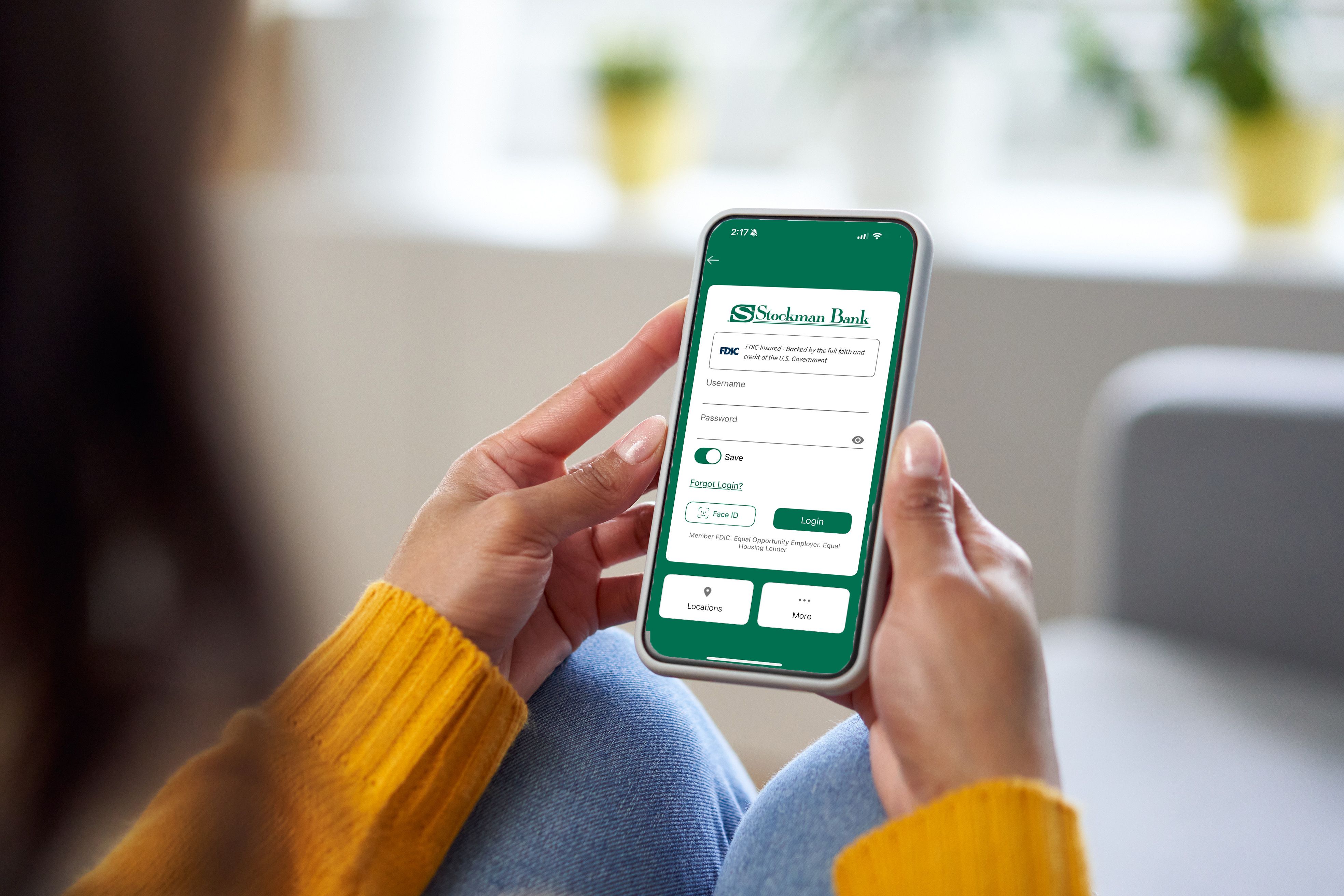
Mobile App
Click below to download our mobile banking app from the App Store or Google Play.
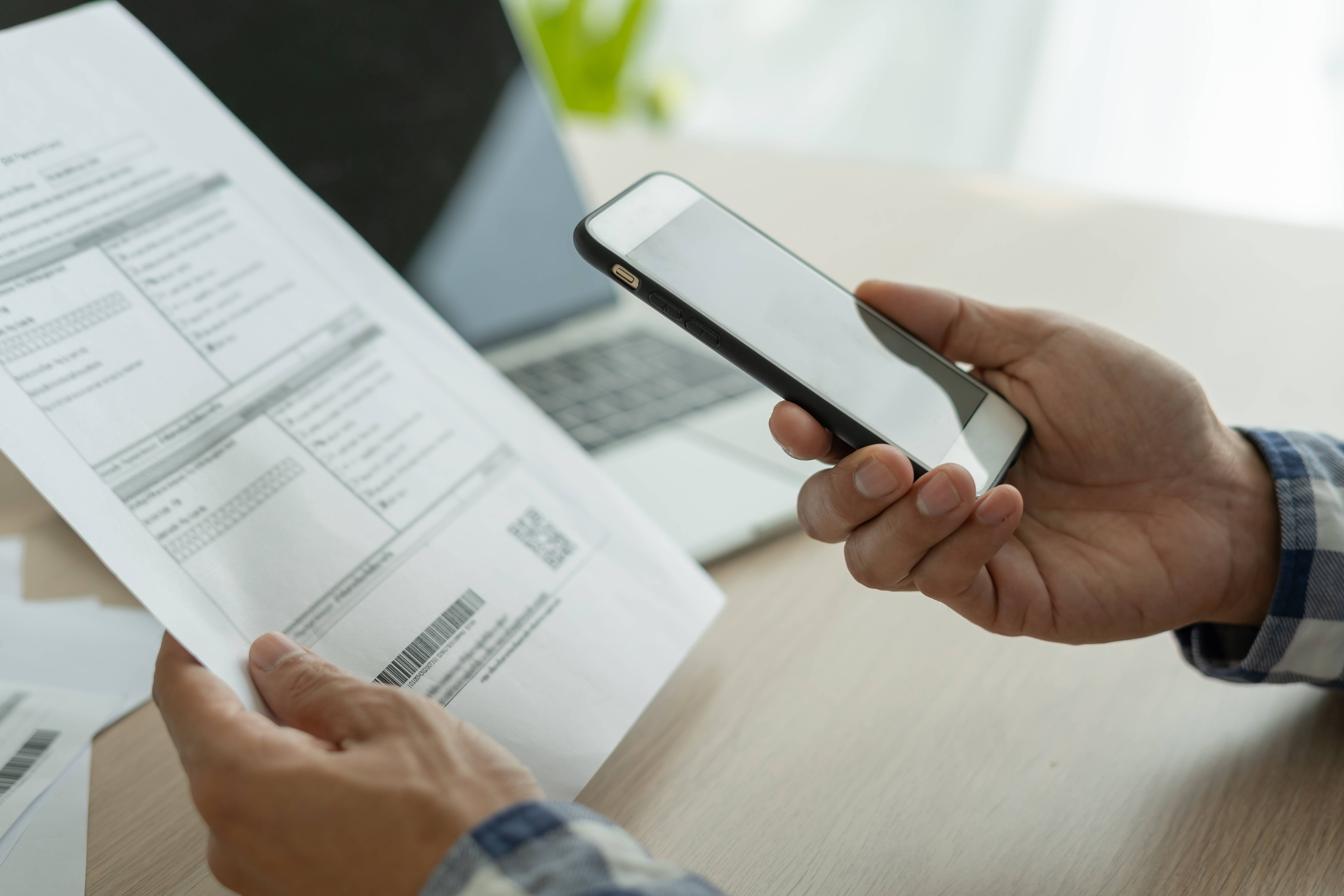
Bill Pay
Automate check and electronic payments to billers through Bill Pay. Set up recurring or one-time payments, view payment history, and receive due date reminders and notifications when payments are sent.
CardProtect
Control your debit card with the touch of a button. If you lose your debit card, turn your card off. When you find your debit card, simply turn it back on!

ClickSWITCH
Switching to Stockman Bank doesn't need to be a hassle. We've made it easier than ever with ClickSWITCH!
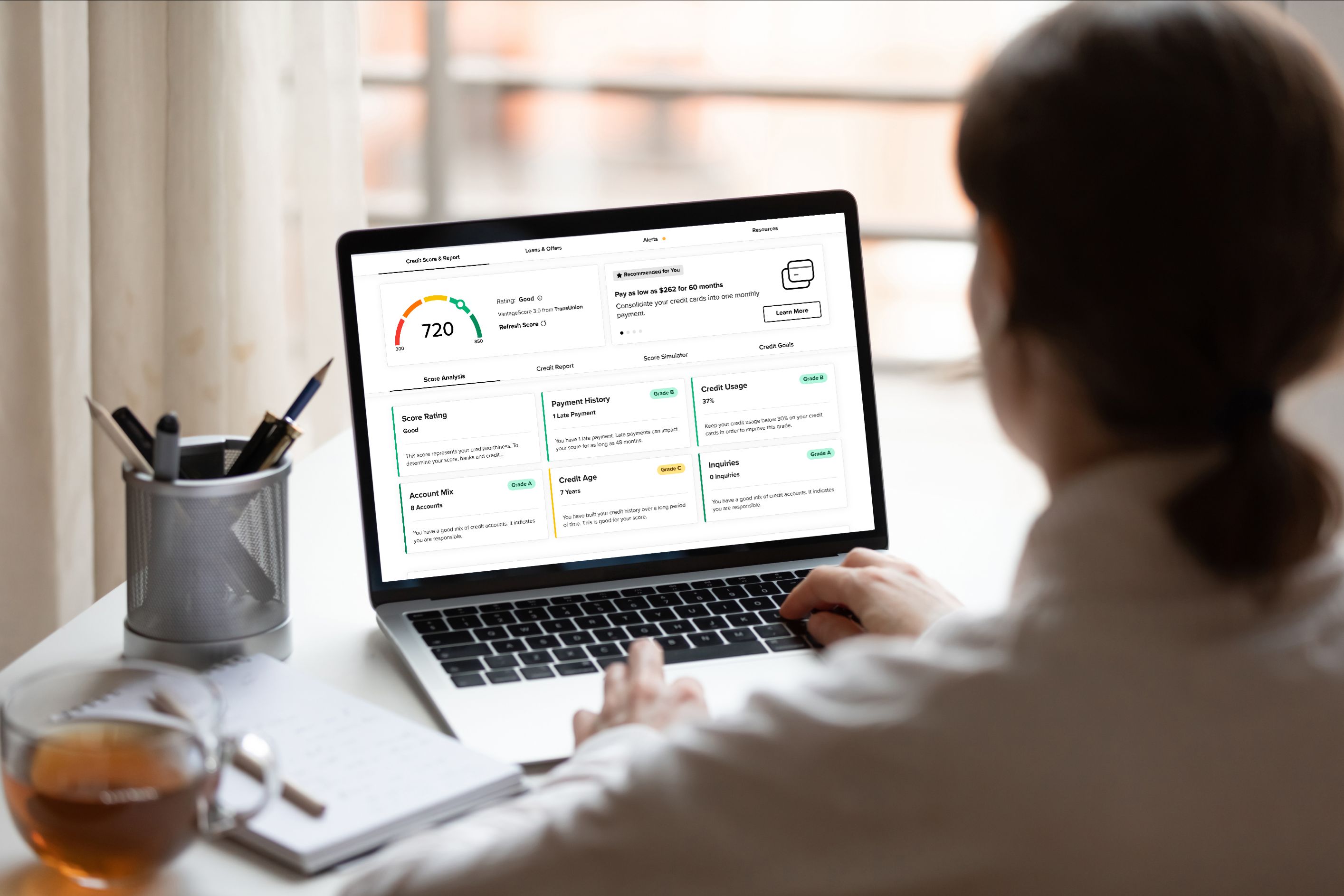
CreditStory
Get instant access to everything you need to know about your credit and see the impact of your financial decisions with the credit simulator.
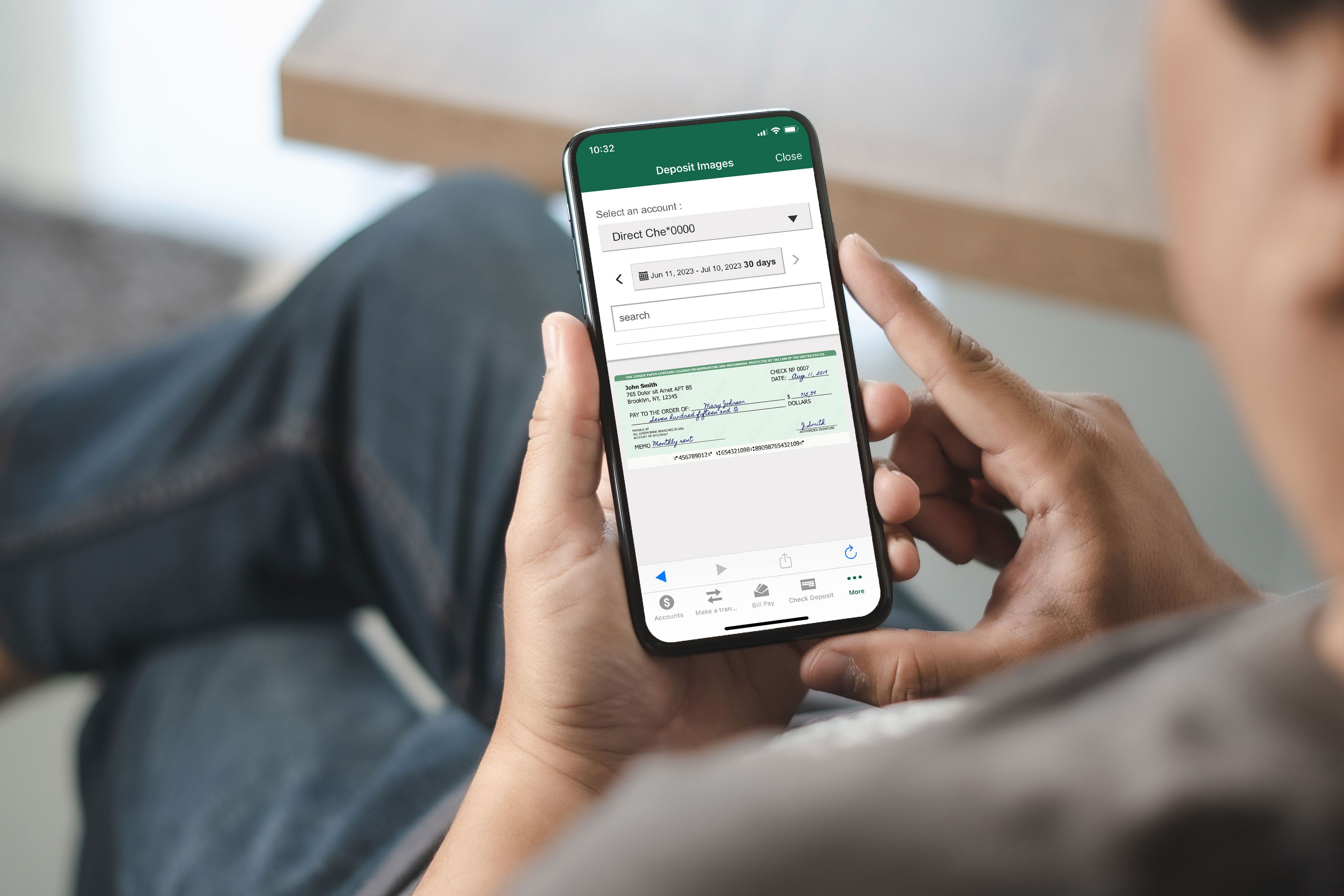
Mobile Check Deposit
Avoid trips to the bank with Mobile Check Deposit. Take photos of your check using our app, and deposit directly into your checking or savings account.
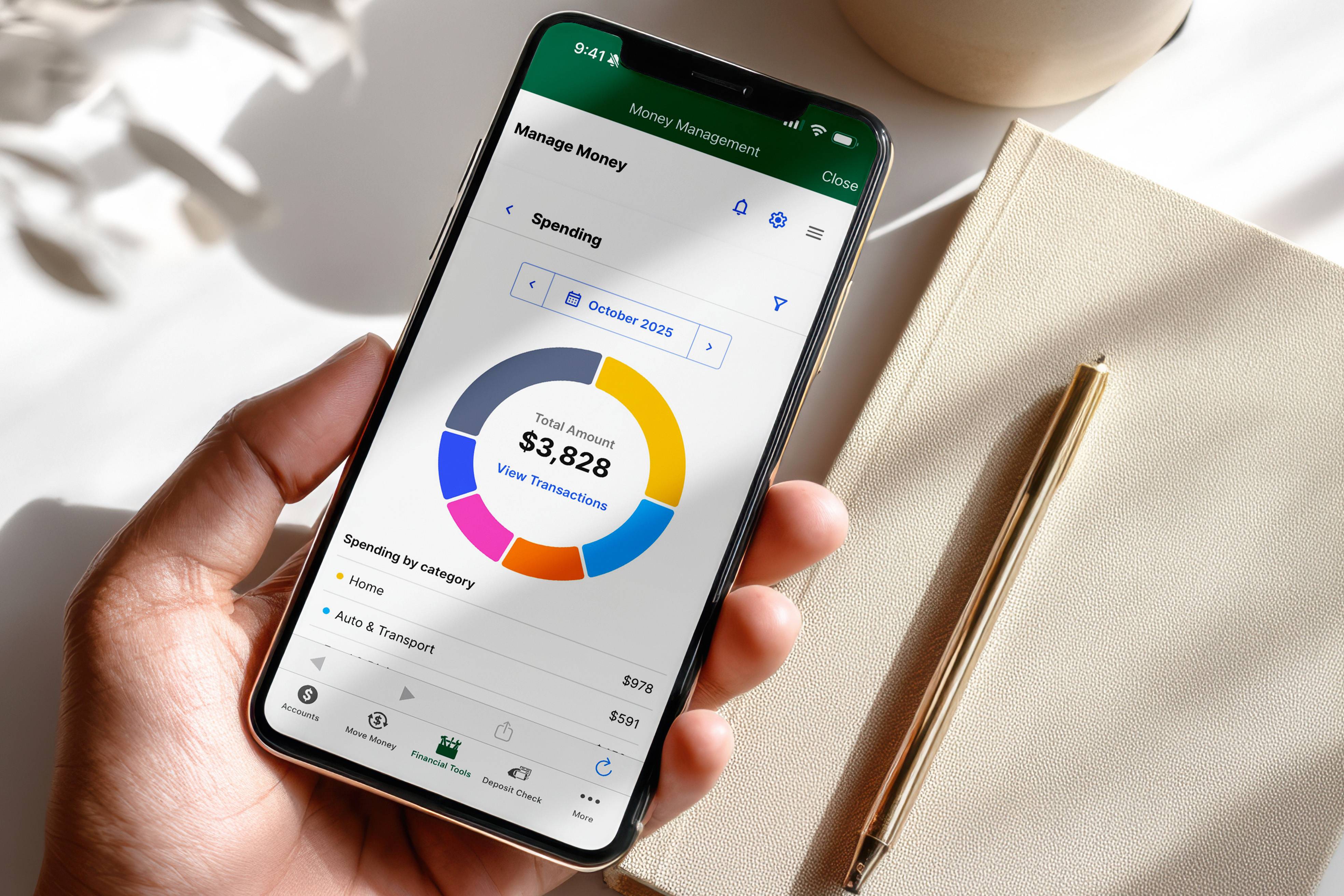
Money Management
Monitor all of your accounts in one place. Categorize transactions, set savings goals, and create and monitor budgets.
.jpg?sfvrsn=98785f18_2)
Online Statements
Online Statements are a free, safe and secure method to receive your statements. View, print and/or save for easy sharing with your accountant or for long-term storage, access up to 24 months of statement history from initial setup, and avoid mail fraud and mail theft.

Zelle®
Quickly and easily send money to friends and family with Zelle®. Available in our mobile app.
Digital Wallet Options
|
|
|
|



Additional Resources
What are the limits for a mobile deposit?
Your current limit can be located by tapping in the Amount field on the Check Deposit screen within the mobile app. We have established limits on the dollar amount and/or number of checks that you can deposit through the service.
If you attempt to use the service to initiate a deposit more than these limits, we may reject your deposit. Limits vary based on several risk factors such as, non-sufficient funds (NSF), and average monthly deposit balance.
We reserve the right to modify limits from time to time.
- Mobile Check Deposit
- Online Banking